
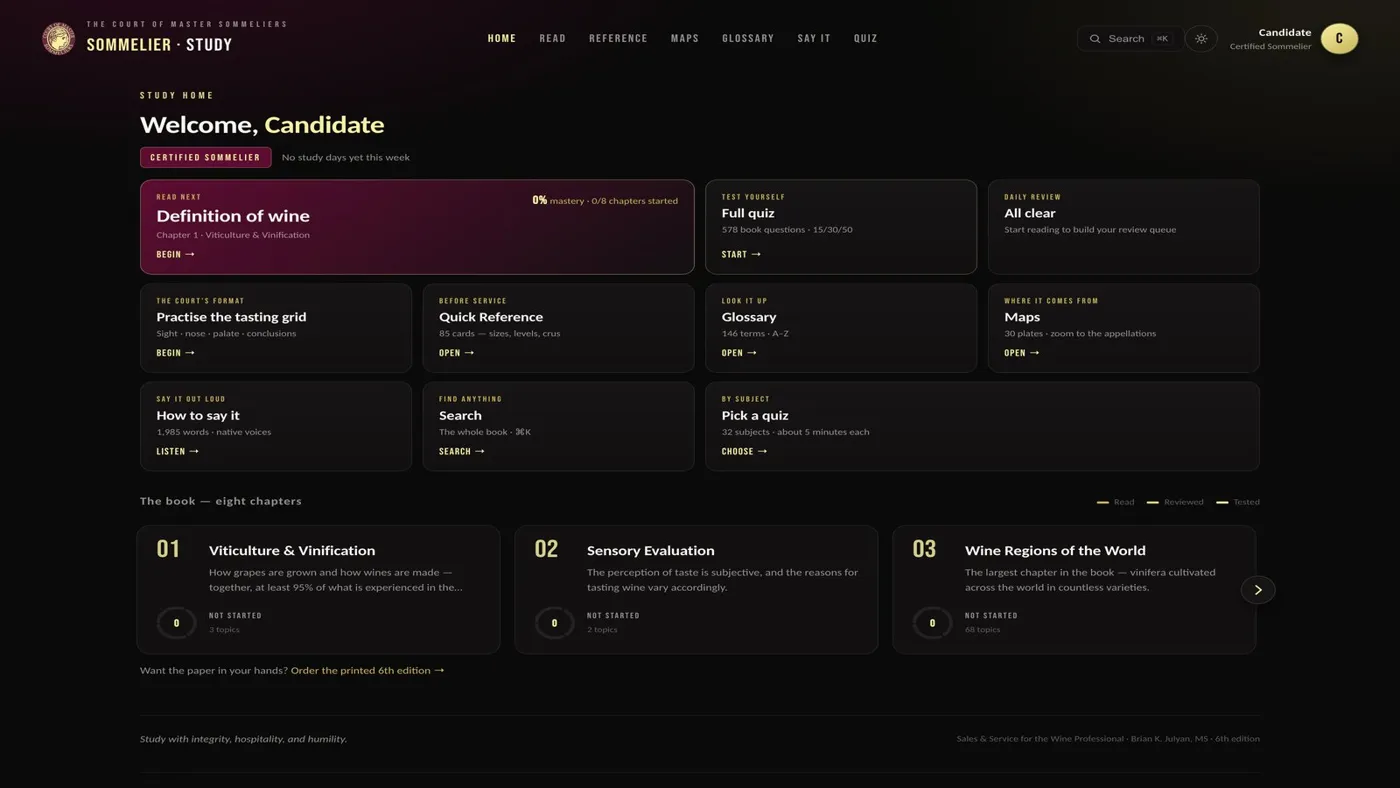
The portal carries the sixth edition of the Court’s book in full. Every page reads as an article on your screen, chapter by chapter, exactly as printed.
This guide explains how to find your way around it, how to make the page comfortable to read, and how to keep your own notes as you go.
01Finding your way
Open Read and the book appears as eight chapter cards, followed by the appendices. Each card shows how many topics the chapter holds. The appendices hold reference classifications such as the 1855 Médoc, Burgundy and Champagne crus and the South African wards.
Inside the book, a contents rail sits beside the text. It lists every chapter and its sections, and on a phone it folds into a button that opens the same contents. Chapter 3 is grouped by continent, then country, then region.
If you stepped away mid-chapter, a continue card at the top offers your place back, so there is no hunting through the cards.
02Making the page comfortable
A small reading-settings button on each section opens three controls. The text size has four steps, and the page width can be narrow, normal or wide. Focus mode hides the top bar, the contents and the key terms, leaving the text and your notes, and a button brings you back out.
Your choices are remembered on that device, so the book opens the way you left it.
Beside the text, a key terms panel lists the section’s vocabulary, with a speaker beside each entry. On pages that name wine terms, a How to say it panel follows the text, so you can practise the names you have just met, one word at a time, with the respelling under each.